
Danbury Inmate Records Overview
Danbury inmate records are statewide custody records, not county jail records. The Connecticut Department of Correction states that all county jails and state prisons were unified under one state department in 1968. That means a person arrested in Danbury may not have a local jail profile, even when the arrest began with Danbury Police or a case is pending at the Superior Court building on White Street.
The main online custody path is the Connecticut DOC inmate search. DOC inmate information is provided as a public service and public-safety tool, but DOC cautions that current incarceration does not necessarily mean conviction. The system can include accused-status people awaiting trial, sentenced inmates, and other people under DOC supervision. The information is updated daily and can change quickly.
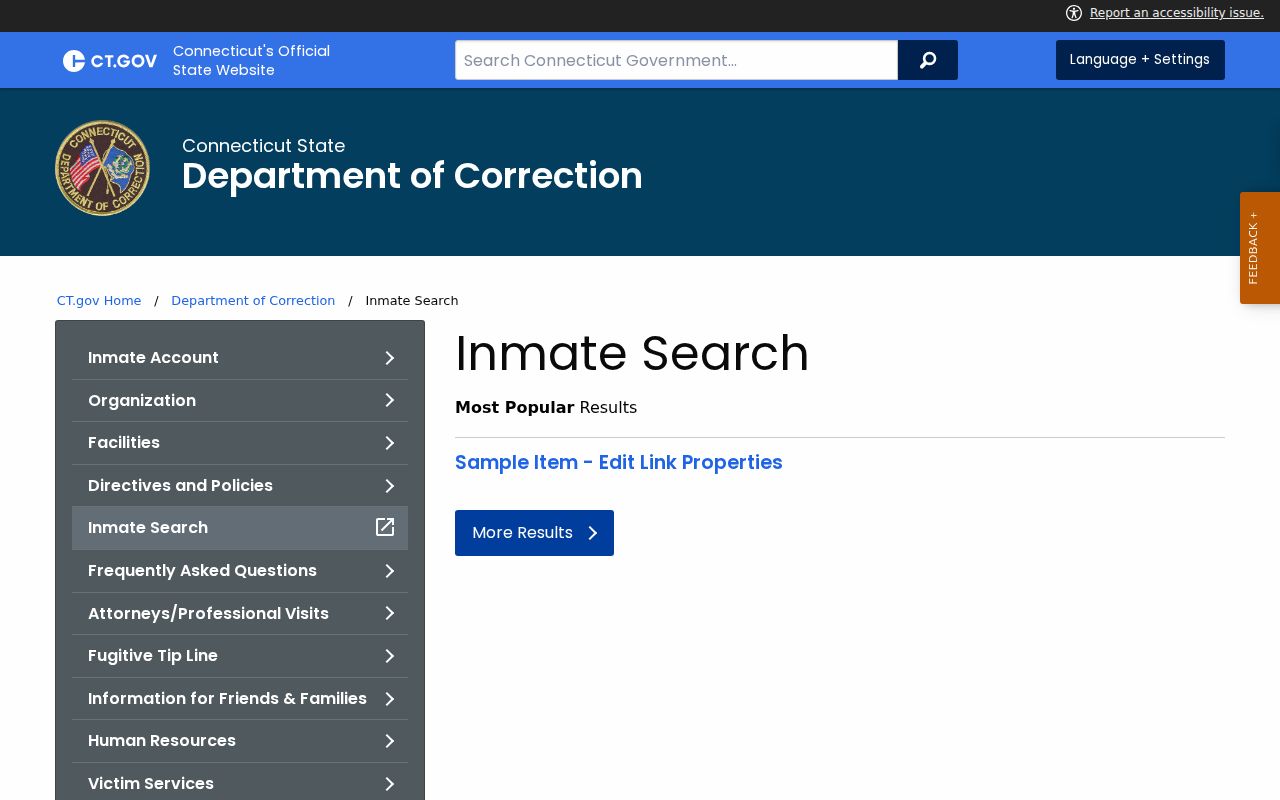
The Connecticut DOC inmate search page is the official statewide search point for Danbury inmate records when a person has reached DOC custody.
For very recent Danbury arrests, the person may need to be checked through police, court, or bail contacts before appearing in the DOC custody lookup.
How to Search Danbury Inmates
The best search sequence depends on where the person is in the process. If the arrest just happened, start with Danbury Police or court contacts. If the person has been transferred, booked into DOC, or sentenced, use the DOC inmate search and then the facility page shown in the result. If a court date, bond, or charge status is the main question, use the criminal and motor vehicle case lookup or call the clerk.
- Open the Connecticut DOC inmate search for people currently under DOC custody or supervision.
- Search by name, and use an inmate number if it is already known from a court or custody record.
- Review the listed location, status, bond, controlling offense, sentence, release, and detainer information if shown.
- Use the current location to find the correct DOC facility page before planning a visit or mailing funds.
- For a recent Danbury arrest not yet in DOC search, call Danbury Police or the Superior Court clerk for the next court-date path.
- For bond and release context, contact Danbury Bail Services when the case is connected to the court.
People often confuse a police arrest log with an inmate roster. The Danbury Police arrest logs are police activity records. They are not conviction records and do not replace a DOC inmate profile or a Superior Court criminal case file.
Danbury Inmate Search Fields
The DOC search landing page capture was limited during research, but the official DOC descriptions identify the kinds of search and profile data used in the custody system. Use full legal names where possible, and remember that a person may be absent because the arrest is too recent, the person is no longer under DOC supervision, or the person falls into an excluded category.
| Field Label | Type | Required | Notes |
|---|---|---|---|
| Inmate or offender search inputs | Text | Unspecified | DOC search is for people under Connecticut DOC custody or supervision. |
| Name | Text | Unspecified | Use the full legal name when known to reduce false matches. |
| Inmate number | Text | No, if unknown | Helpful when court, custody, or family records already provide it. |
| Search or submit | Button | n/a | Runs the public custody search. |
Note: Youthful Offender information and offenders held for Federal Immigration and Customs Enforcement are not included in the DOC public search.
What Danbury Inmate Profiles Show
The official DOC management information description lists the public inmate fields that can appear from the offender-based information system. A profile should be read as a custody snapshot. It may show accused status, sentence data, bond, release estimates, or detainers, but those fields can change when a court modifies bond, a sentence is entered, or a release calculation updates.
| Field | What It Shows |
|---|---|
| Inmate number | The DOC identifier used to distinguish people with similar names. |
| Name and date of birth | Identity information for matching the correct person. |
| Latest admission date | The most recent DOC intake date listed in the public system. |
| Current location | The DOC facility or supervision location tied to the person. |
| Status | Current custody or supervision status as reported by DOC. |
| Bond amount | Release amount if a bond is listed for the active matter. |
| Controlling offense | The offense driving the custody or sentence record. |
| Date of sentence | The sentence date when the person has been sentenced. |
| Maximum sentence | The maximum term shown in the DOC record. |
| Maximum release date | The latest listed release date from the DOC calculation. |
| Estimated release date | A projected date that may change with credits or other updates. |
| Special parole date | Special parole timing when the record includes it. |
| Detainer information | Other holds or detainers affecting custody or release. |
Danbury Jail Facility Contacts
There is no county jail facility card to list for Danbury because Connecticut does not run local county jails in the same way many states do. The practical contact chain is Danbury Police for recent local arrests, the Superior Court clerk and bail services for court-date or release questions, and the DOC facility shown in the inmate profile once the person is in state custody.
Danbury Police Department
375 Main Street
Danbury, CT 06810
203-797-4611
Records/Property Division: 203-797-4680
Superior Court at Danbury
146 White Street
Danbury, CT 06810
203-207-8600
Bail Services: 203-207-8715
Once DOC lists a current location, facility-specific pages control visiting, mail, video visit requests, and other custody details. Do not rely on Danbury City Hall or the Town Clerk for inmate custody status.
Recent Danbury Arrests
A recent arrest can sit between police processing and DOC display. Danbury Police maintains and distributes accident and incident reports, arrest records, permits, and criminal history requests through its Records and Property Division. The department also posts arrest-log PDFs. Those logs can show police activity, but they do not decide whether a person is convicted or currently in DOC custody.
For court activity after arrest, the Connecticut Judicial Branch criminal and motor vehicle lookup is the better path. Pending searches can use last name, first initial, birth year, court location, and category type. When the court location field is available, D03D-Danbury Geographical Area 3 and the Danbury Judicial District are the key local choices. For the complete case outcome, use the Danbury criminal court records path rather than treating a custody record as the full case file.
Custody caution: DOC specifically warns that current incarceration can mean accused status awaiting trial, not a conviction.
Danbury Inmate vs Court Records
A Danbury inmate record answers a custody question. It can show where a person is held, whether a bond amount is listed, what controlling offense appears in DOC data, and what release or detainer dates are displayed. It does not replace the case file. Court records answer what charges were filed, what hearings were scheduled, what motions were made, and how the case ended.
| Record Type | Best Source | Use It For |
|---|---|---|
| DOC inmate profile | Connecticut DOC inmate search | Current custody, location, status, bond, offense, release, and detainer fields. |
| Police arrest record | Danbury Police Records and Property Division | Local arrest, incident, accident, and police-report requests. |
| Criminal case record | Connecticut Judicial Branch lookup and Superior Court clerk | Charges, docket events, court dates, pleas, disposition, and sentence. |
| Bail or release question | Danbury Bail Services or court contact | Release conditions, court appearance context, and bond-related follow-up. |
This distinction prevents two common mistakes. An inmate profile can list a person who has not been convicted. A court docket can show a pending case even when the person is no longer in DOC custody. Read both records together when a Danbury arrest, custody status, and court outcome all matter.
Danbury Inmate Visitation Rules
Visitation is facility-specific. The DOC visiting page begins with locating the inmate, then checking the facility where the person is housed. A visitor must be on the approved visiting list before visiting. Facility pages control days, housing-unit schedules, visit type, video rules, and confirmation procedures.
| Step | Official Instruction | Why It Matters |
|---|---|---|
| 1. Locate inmate | Use DOC inmate search to confirm the facility. | Danbury does not have one local jail schedule. |
| 2. Approved list | Visitor must be on the inmate's approved visiting list. | Unapproved visitors may be denied even if they know the facility. |
| 3. Facility page | Check visit type, days, housing schedule, and video rules. | Each DOC facility controls its own schedule. |
| 4. Video visits | Some facility pages require a request form and confirmation. | A submitted request is not always a scheduled visit. |
| 5. Recent intake | Confirm intake rules before travel. | Some recent intakes may have temporary limits. |
Note: The research did not verify one Danbury-only jail visitation schedule because custody placement is handled by statewide DOC facilities.
Mail and Danbury Inmate Funds
Money and account rules also follow DOC, not a local Danbury jail account office. The DOC inmate accounts page lists the Inmate Trust Fund phone number as 860-692-7670 and explains that it is no longer necessary to be on an inmate's visitor list to send funds. DOC's Trust Fund office receives funds, makes payments from accounts, and maintains offender account records.
| Method | Details |
|---|---|
| U.S. Mail | Send a money order with complete remitter information, inmate full name, and correctional identification number. |
| Mail address | Inmate Trust Fund, P.O. Box 290800, Wethersfield, CT 06129-0800. |
| Remitter form | Use the DOC Inmate Trust Fund Remitter Form with money orders. |
| JPAY | Electronic deposit option listed by DOC. |
| TouchPay | Electronic deposit option listed by DOC. |
| Western Union | Electronic deposit option listed by DOC. |
Do not include correspondence with a money order. Use the facility's mail rules for letters, and use the inmate number from the DOC profile when a form or money order asks for a correctional identification number.
Danbury Inmate Records Requests
Some custody questions need more than the public DOC profile. Police incident and arrest records can be requested through the Danbury Police FOIA request form, which asks for requester identity, incident and date information, request channel, material requested, and signature. Court dates and case filings remain with the Judicial Branch, and certified court copies or sealed-file questions should go to the Superior Court clerk.
Connecticut public access has limits. Juvenile and youthful offender matters are restricted. Erased criminal records are no longer treated as public criminal history. DOC public information excludes certain categories and may change daily. A Danbury inmate search is strongest when it combines DOC custody status, Danbury Police records for the arrest side, and Superior Court records for the prosecution and disposition.
DOC also warns that public custody data can move quickly. A release, transfer, court order, bond change, detainer, or sentence update can affect what appears after the daily feed. For urgent or high-stakes decisions, verify the custody record through the facility, the court, or counsel before relying on an online result alone.